
 English
 العربية
 Deutsch
 Español
 Français
 Italiano
 Português
 Русский
 Türkçe
 Tiếng Việt


You work hard on your videos. You edit for hours, design a great thumbnail, and hit publish. But then... silence. You have 5,000 subscribers, but only 50 people watch the video. Where is everybody?
If this sounds familiar, your channel might be suffering from a hidden algorithmic issue known as the "Ghost Town Effect."
Most creators try to fix this by changing their titles or making faster edits. But if the problem is your audience, no amount of editing will fix it. Today, I am going to share a "secret" diagnostic method used by top strategists to fix low views: Auditing your Zombie Subscribers.
The "Secret" Reason Your Views Are Low
In 2026, the YouTube algorithm cares about one metric above all others: Relevance.
When you upload a video, YouTube shows it to a small "test group" of your own subscribers first. This is the crucial moment.
- Scenario A: You have 1,000 subs. 100 of them see the video, and 80 click. (80% Response Rate). YouTube thinks: "This video is amazing! Let's show it to the world!"
- Scenario B: You have 10,000 subs. 1,000 see the video, but only 10 click. (1% Response Rate). YouTube thinks: "Even their own fans hate this. Let's bury it."
How to Use the "Secret Method" (Channel Audit)
You cannot fix what you cannot measure. Until now, there was no easy way to know if your subscriber count was "real" or "dead."
We have developed a free tool that uses the YouTube Data API to scan your channel's heartbeat.
Step 1: Check Your Health Score
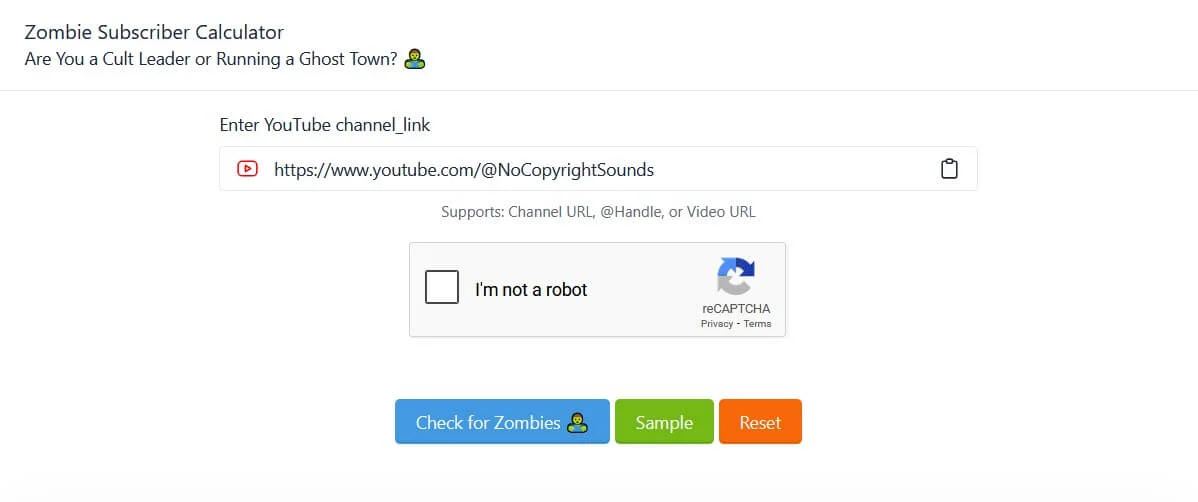
Before you make another video, you need to know your Zombie Percentage.
Step 2: Analyze the Result
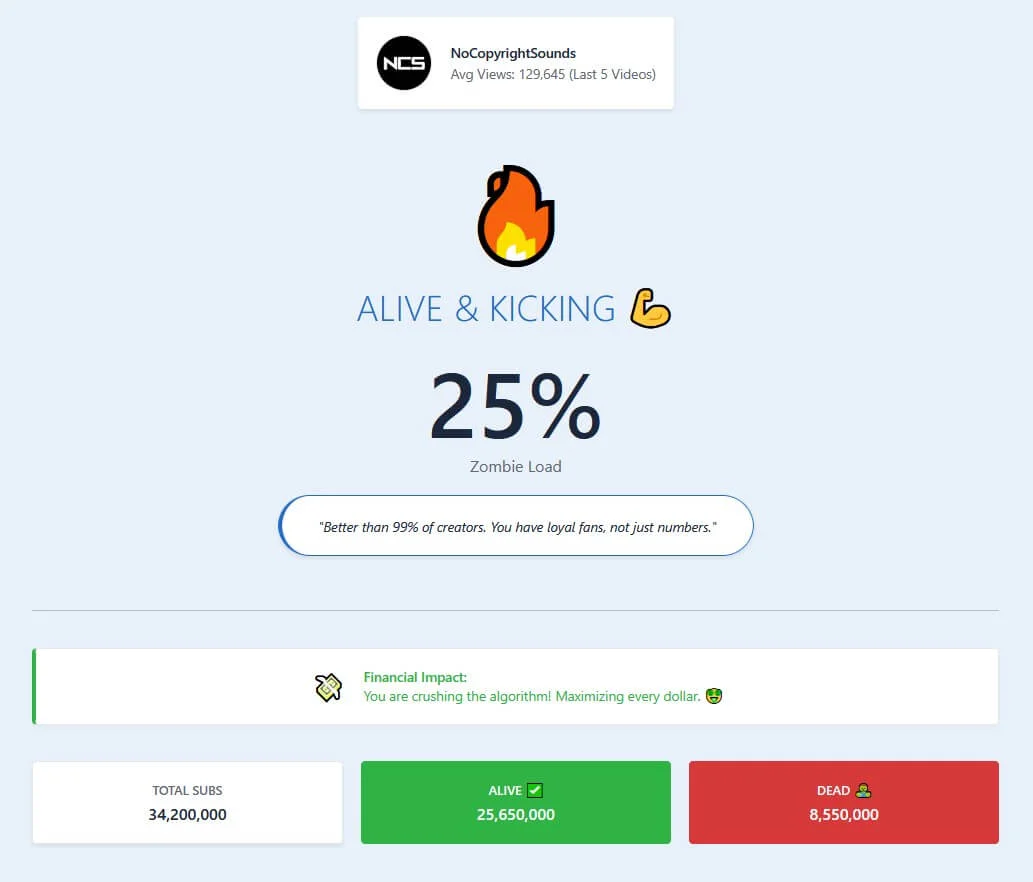
The tool will look at your last 10-20 long-form videos and compare your Average Views against your Total Subscribers.
- 0-20% Zombies: Your channel is healthy. The problem is likely your thumbnails.
- 20-50% Zombies: Warning zone. Your audience is aging or disengaged.
- 50%+ Zombies: Danger zone. The algorithm is likely suppressing your content because of low Click-Through Rates (CTR).
3 Ways to Fix a High Zombie Score
If the tool reveals you have a "Dead Channel," don't panic. You can fix it without starting over.
1. The "Wake Up" Call
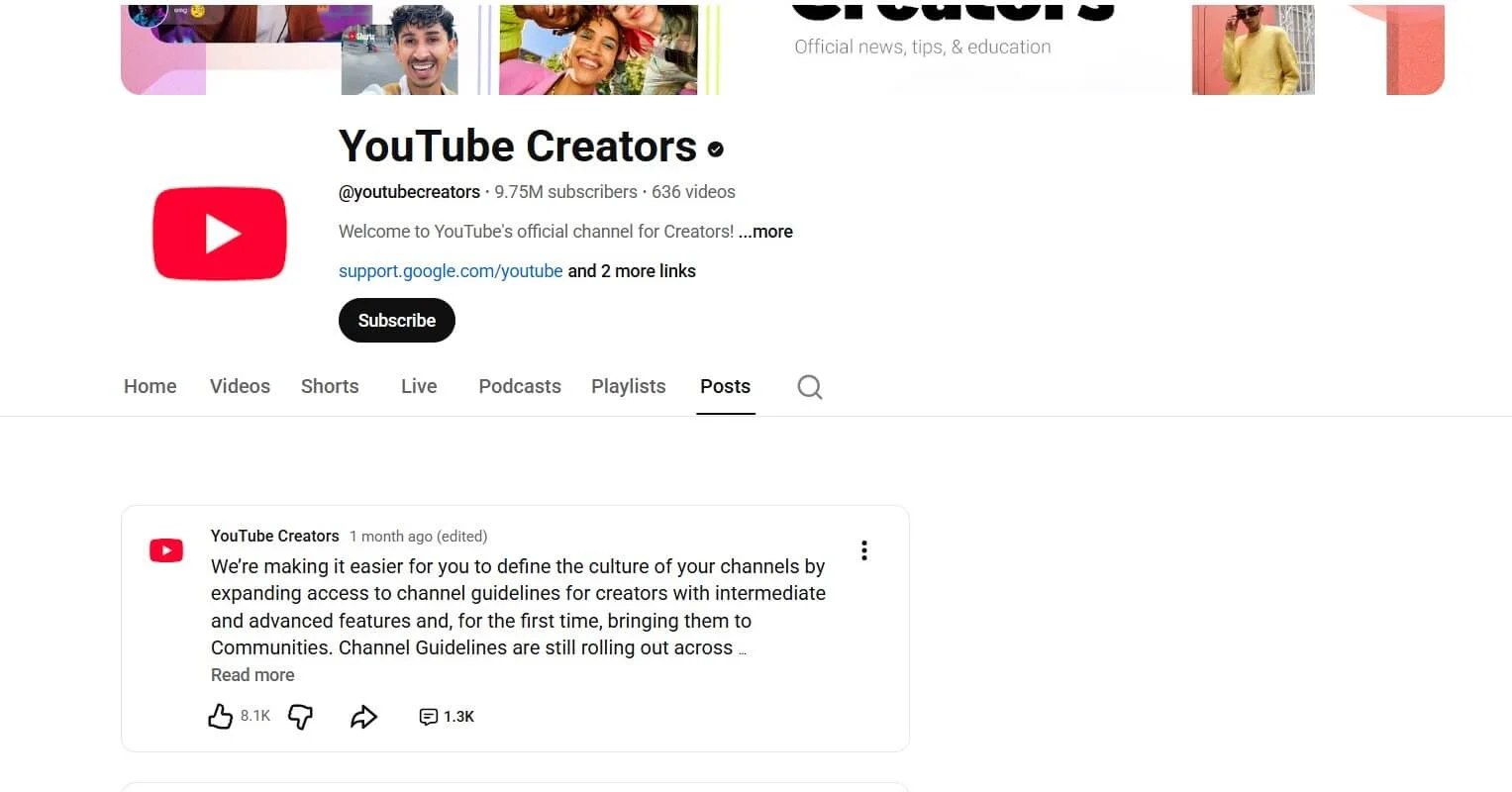
Use the Community Tab. Post a poll asking: "What video do you want to see next?" Polls often reach subscribers who haven't watched your videos in months. If they vote, they "ping" the algorithm that they are active again.
2. Niche Alignment
Did you switch from Gaming to Vlogging? That is why you have zombies. Your old fans don't care about the new topic. Stop trying to win them back. Optimize your SEO for new viewers (Search Traffic) rather than Browse features.
3. The Hard Truth (Start Fresh?)
If your Zombie score is over 90% and you have under 1,000 subs, it is sometimes faster to start a new channel. But before you make that drastic choice, use the Zombie Calculator to be sure it's actually the problem.